How do I send you diagnostics?
Browse help topics
If something isn’t working, Mic Drop’s diagnostics help us work out what’s going on. They list your Mic Drop and macOS versions, as well as every microphone your Mac can see.
Copy your diagnostics #
- Hold the Option (
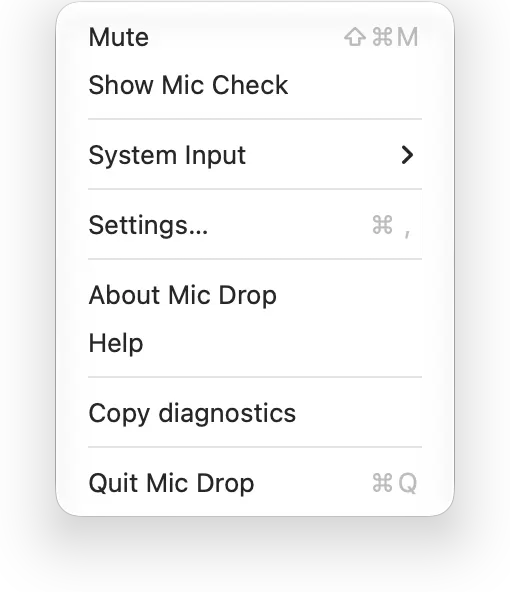
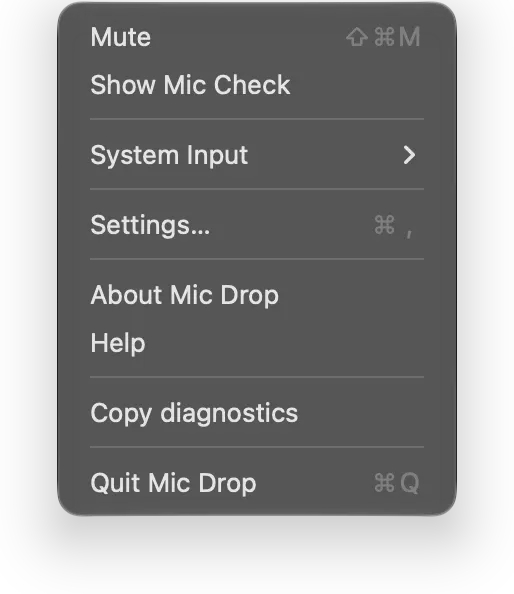
⌥) key and click Mic Drop’s icon in the menu bar. - Choose Copy diagnostics. Mic Drop copies them to your clipboard.
- Paste them into an email to hi@getmicdrop.com, along with a description of the problem you’re having. We’ll take a look and get back to you as soon as we can.
Can’t see Mic Drop’s icon? Here’s how to find it.
Diagnostics don’t include any audio.
Last updated
Still have questions? We’re here to help! Contact us