Mute Google Meet from your Mac
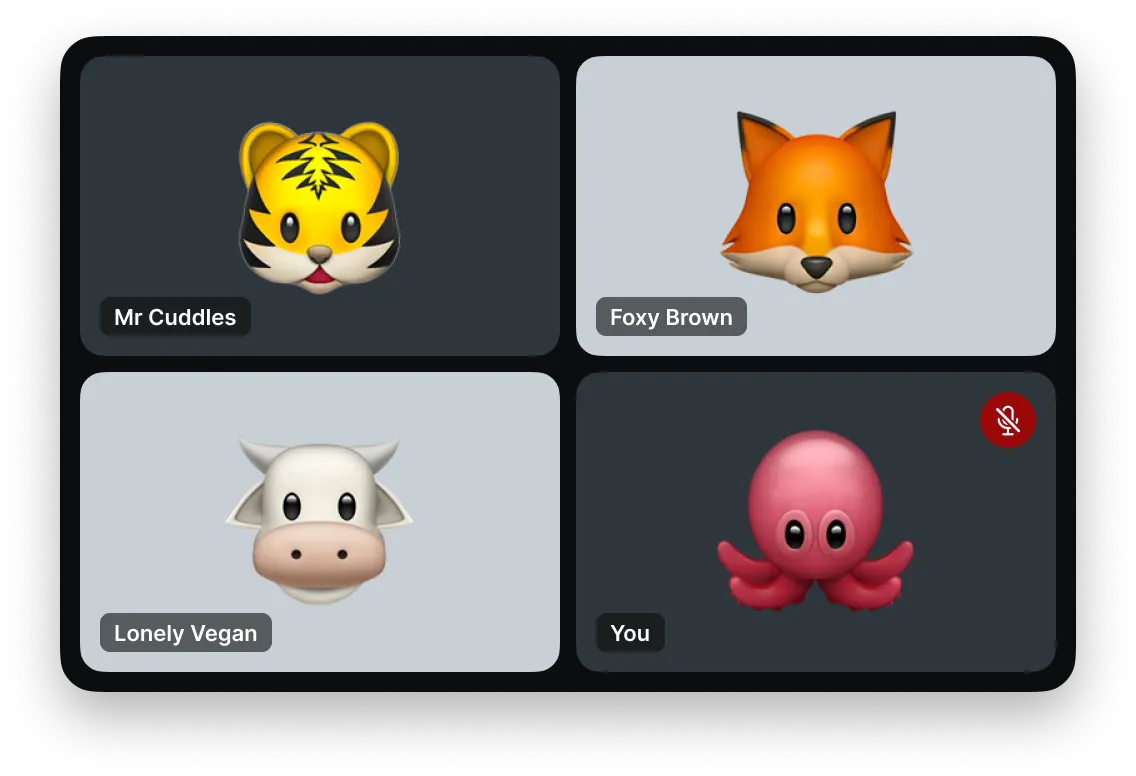
Mic Drop mutes your mic in every app. Now, with our new Chrome extension, Google Meet finally knows when you’re muted.
Mute in Mic Drop, and everyone else sees that you’re muted. Mute in Meet, and Mic Drop updates seamlessly. It just works.
“Microphone muted by system” no more!
Without the Chrome extension, Google Meet won’t show you as muted when you mute with Mic Drop. But what’s really distracting is that Google Meet covers your call with a warning that says “Microphone muted by system.”
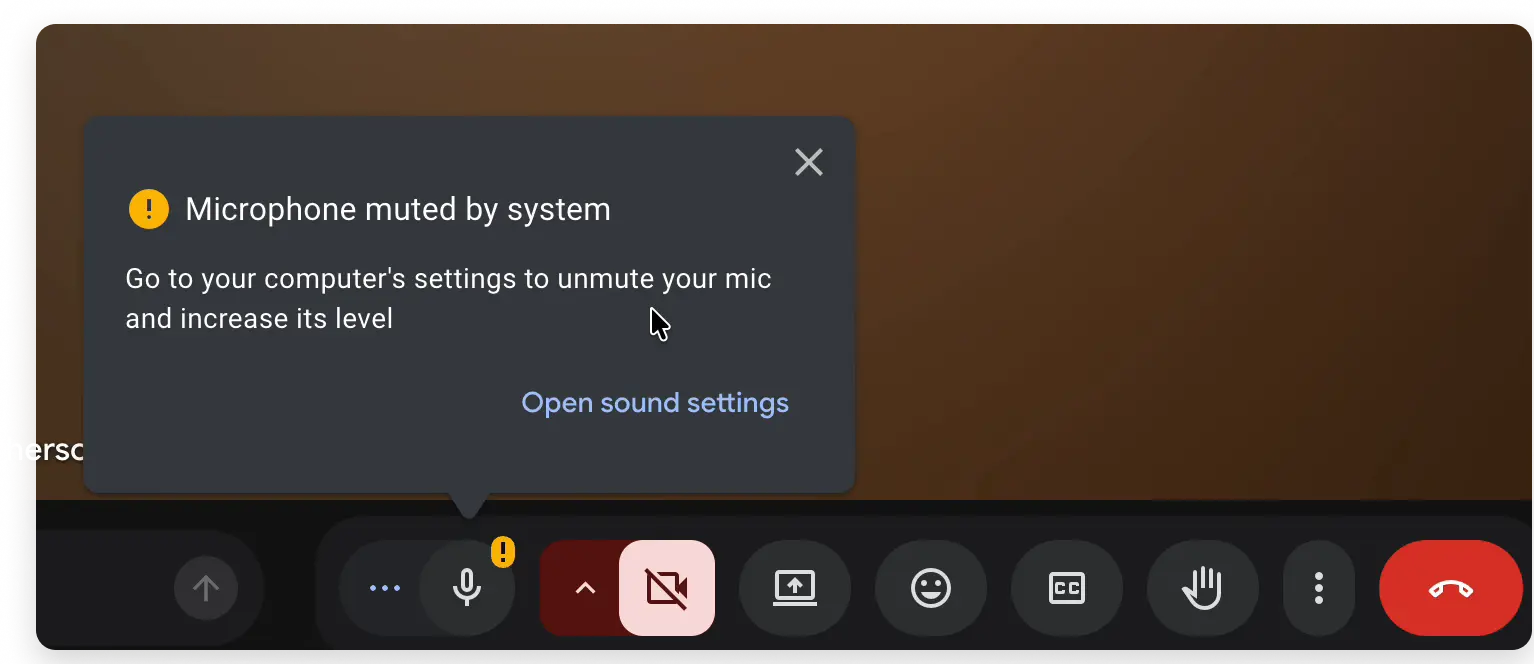
It keeps coming back. It’s confusing, frustrating, and unnecessary. But we can fix it!
Always in sync
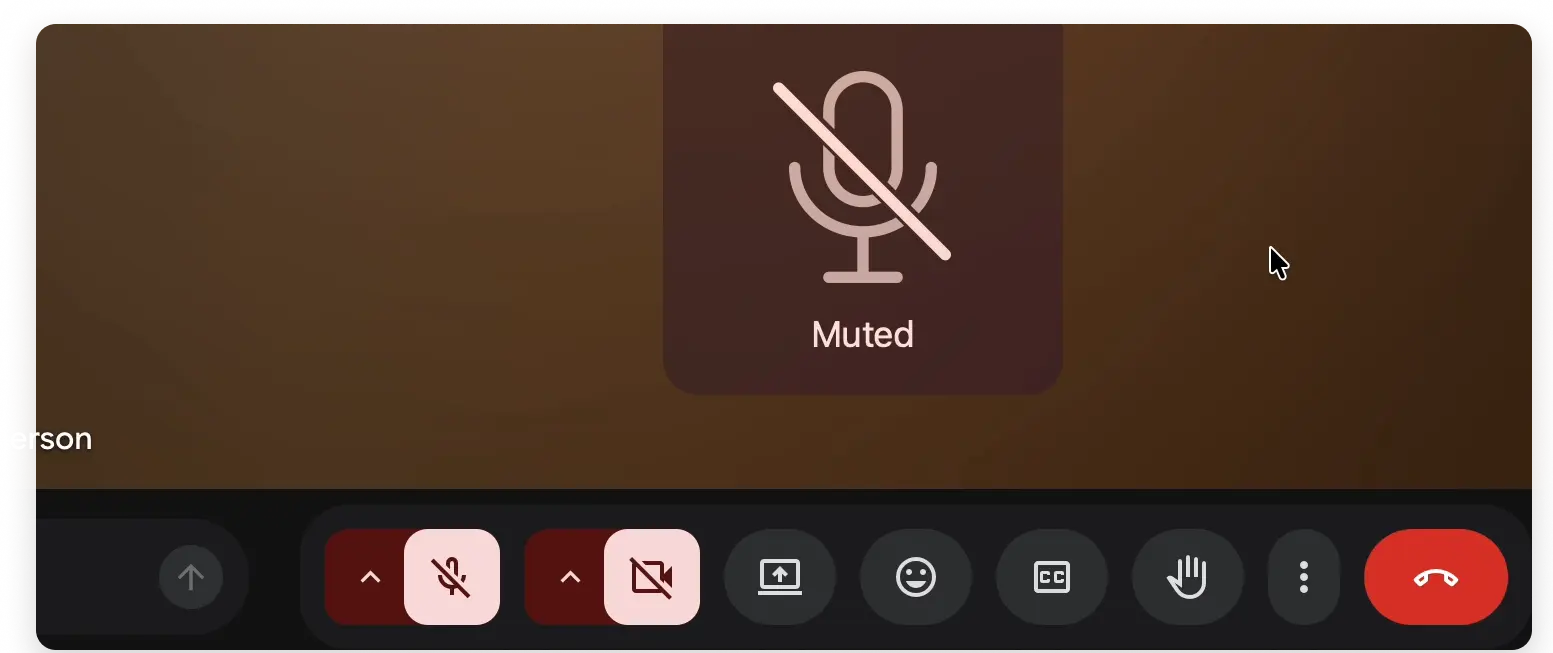
Mute with Mic Drop and you’re instantly shown as muted in Google Meet. Easy peasy.
When you mute in Google Meet, Mic Drop updates to match.
You’ll always know whether you’re muted or not, whether you’re looking at Mic Drop or Google Meet.
Keep muting the way you already do
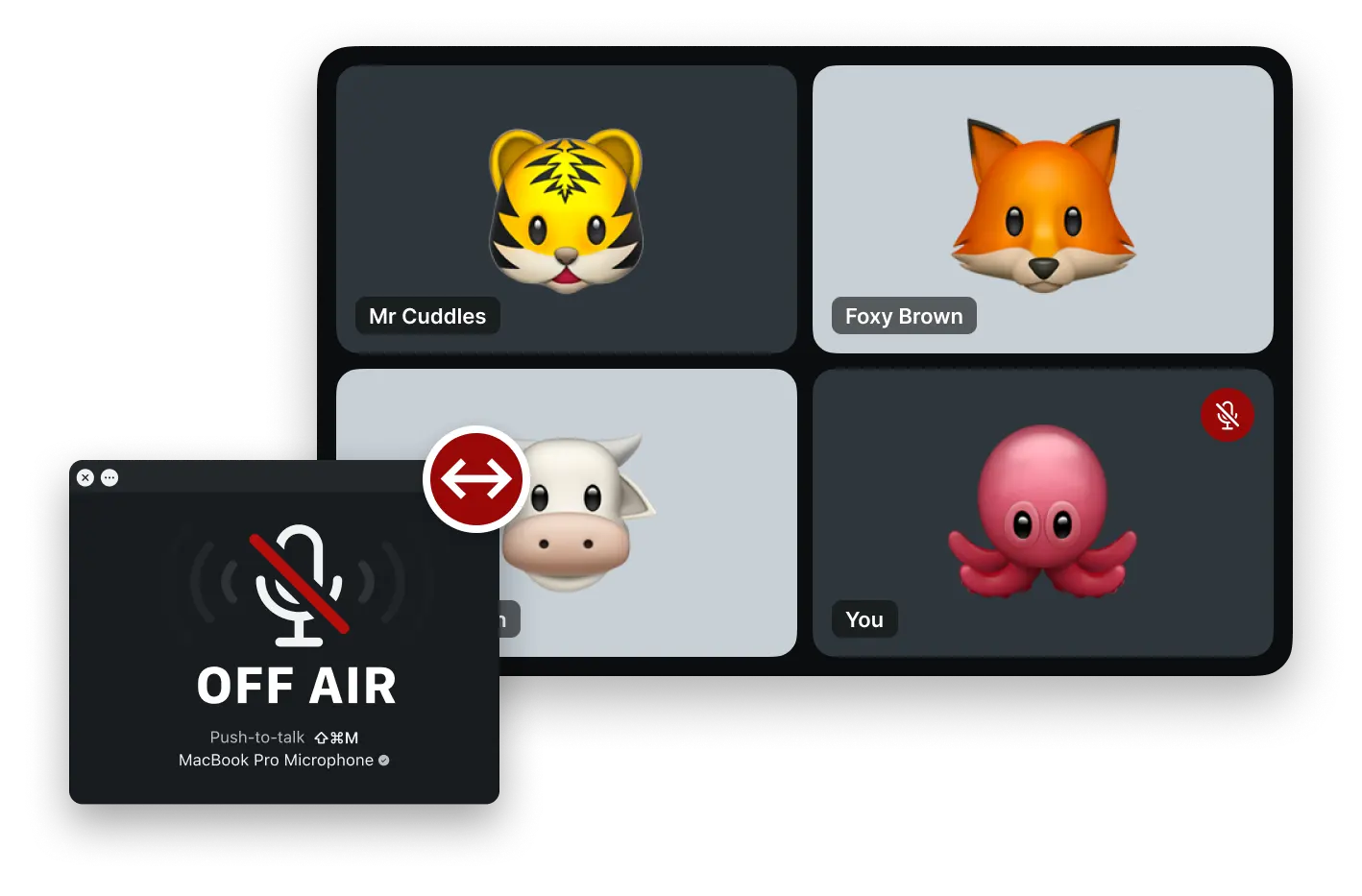
Mute any way you like, and Mic Drop will keep Google Meet updated.
Keyboard shortcut
Press ⇧⌘M, or your own shortcut, from any app.
AirPods
Press the force sensor on your AirPods to mute and unmute.
Stream Deck
Use your Stream Deck as a physical mute button.
Menu bar
Right-click Mic Drop’s icon in your menu bar to toggle your mute.
Mic Check
Click anywhere on the Mic Check window to toggle your mute.
AppleScript
Mute from Shortcuts, scripts, and your other apps.
Menu bar muting is free forever. Fancy stuff requires a one-time purchase of Mic Drop Super Pro. Free trial for 30 days.
Private, like always
The extension only runs on Google Meet (meet.google.com). It can’t see your other tabs, browsing history, or any other data in your browser.
It connects to Mic Drop locally on your Mac and only shares your mute status. It never listens to, records, or sends your audio anywhere.
Get started
Three steps to get Mic Drop and Google Meet working together:
Get Mic Drop for free on the Mac App Store.
Add the Mic Drop extension to Chrome.
Launch Mic Drop, join a Google Meet call, and start muting!

