Mic Check
Want to be sure you’re really muted? Use Mic Check, our floating status window!
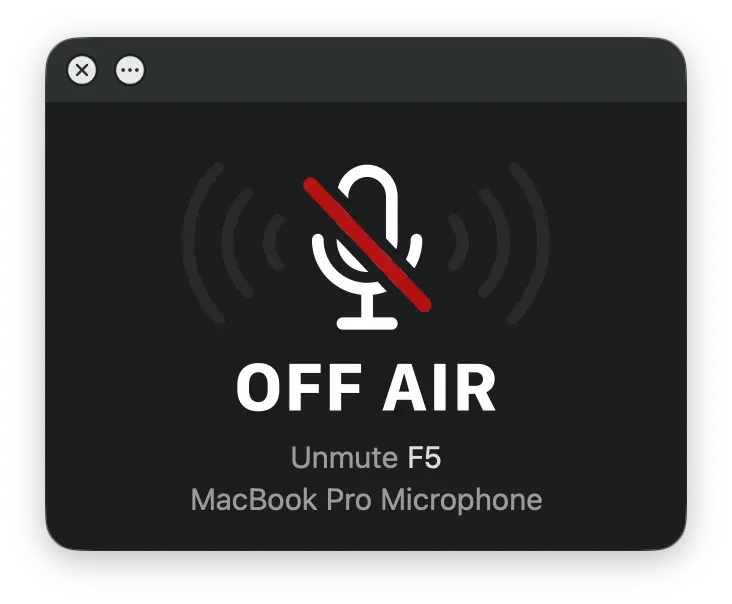
If you grant Mic Drop microphone permissions, Mic Check will show you a visual indicator of your input sound levels. This helps you be extra sure you’re being heard. Permissions are opt-in-only. We never listen in, and we don't record or share your audio.
You can resize Mic Check to any size that works right for you. It adapts its layout to fit, from a tiny floating microphone to a huge “On Air” sign, or a wide banner along the edge of your screen. Right-click the window to select a preset size.
All sizes except for the tiny will display your keyboard shortcut and your current input device. Tiny hides the window title bar, and only shows the close button when you hover over it, so you can keep it out of the way while still being able to see your mute status.
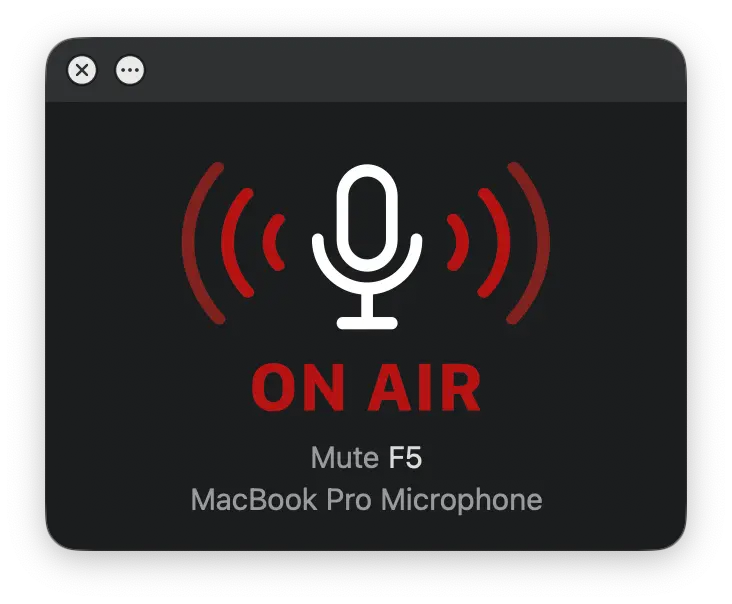
You can click anywhere on the Mic Check window to toggle your mute.