Feature
Notifications
We know you want to be super confident about your current mute state. In addition to the Mic Check interface and the menu bar icons, Mic Drop also allows you to configure audio and/or visual notifications whenever your mute status changes.
Audible notifications play a sound over your headphones or speaker when the mic state changes. Muting the mic will play a different sound to unmuting, so you’ll be able to tell without looking what the current state is.
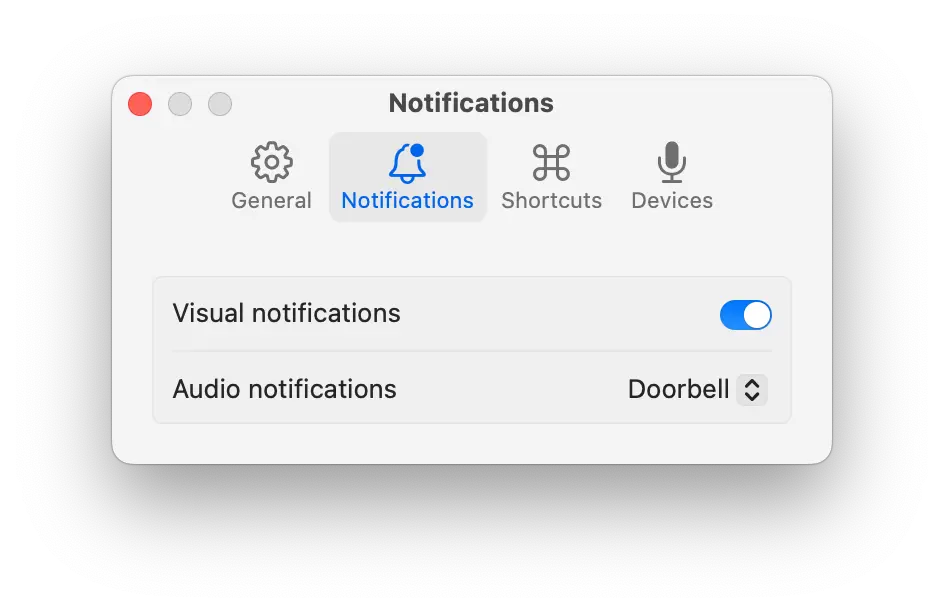
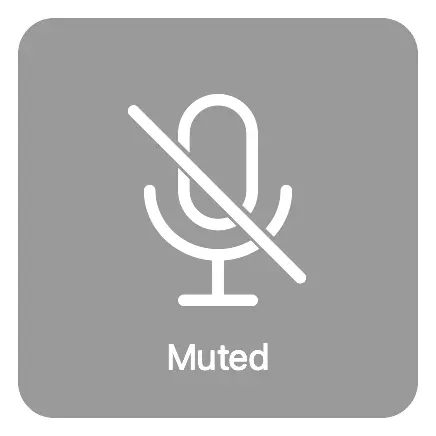
Visual notifications show a bezel-style notification over your screen when the mic status changes, allowing you to quickly confirm your current mute state.