Feature
Push-to-talk
Push-to-talk dates back to the days of two-way radios and is still commonly used in industrial settings like air traffic control, policing, and construction.
Sound is only transmitted while you are actively holding down a button. Otherwise, your background noise is always muted. This allows you to be more deliberate about what sound you transmit and when.
Hold-to-mute is the exact opposite: your mic is always live unless you’re holding down a button.
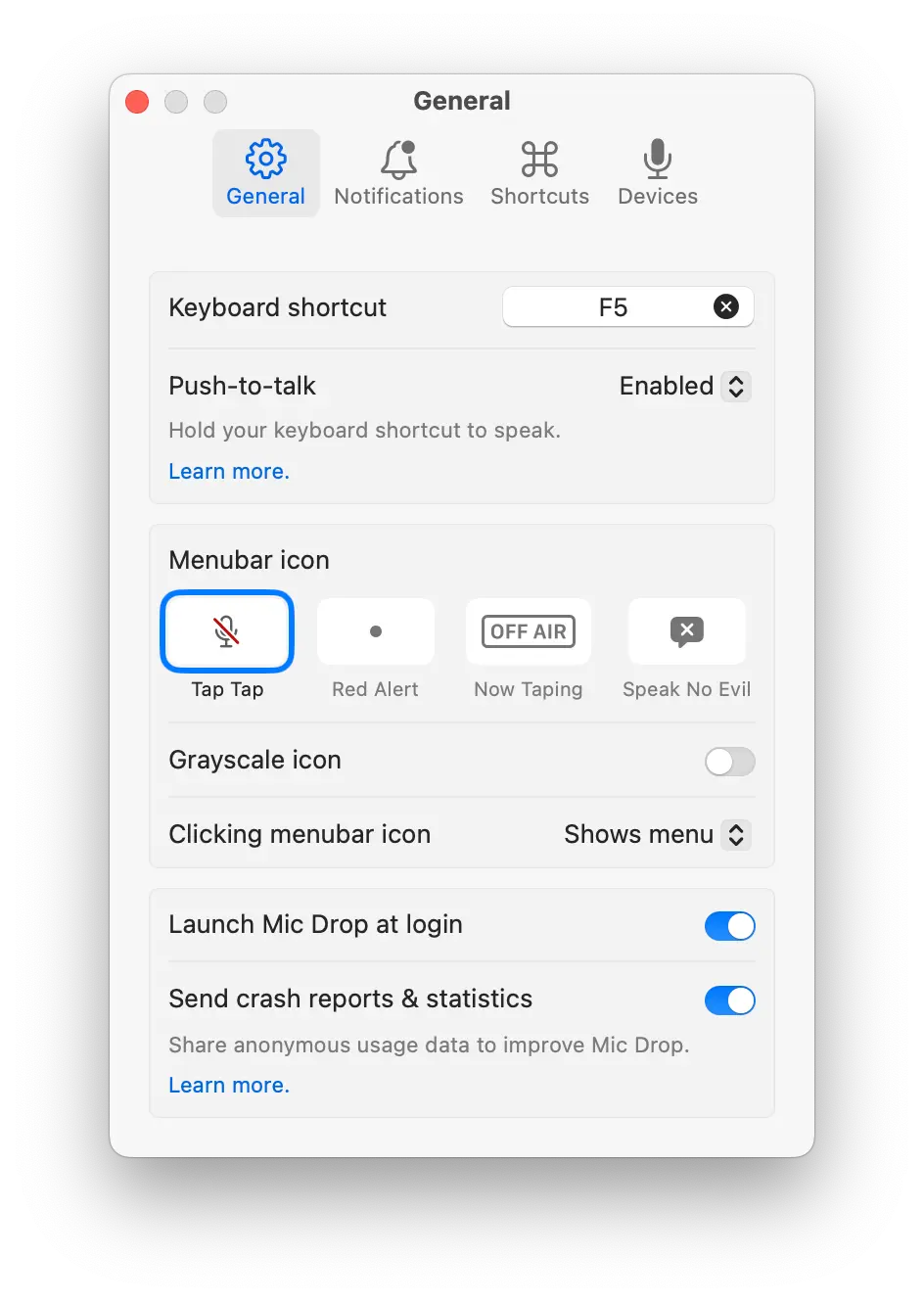
You can use Mic Drop in either push-to-talk or hold-to-mute mode. You can even toggle between modes by double-tapping your keyboard shortcut.